

Landing pages for home services and trades
When a pipe bursts or the AC dies, people call the first company that looks trustworthy and close by. A home services landing page wins the job by showing the service, the area, the response time and the proof on the first screen.
From $34 · £27 · €31 · ₹2,749 per pageCustom-coded · live in 24 hours or less · approve it or 100% back
Updated · By Monish Kumar, founder of SprintWebs
Emergency vs planned jobs
Emergency services (plumbing, HVAC repair, locksmiths) need a big click-to-call button and a response-time promise. Planned projects (roofing, remodeling, solar, landscaping) need a quote form, photos of past work and financing details. Use separate pages for each, matched to separate ad groups.
What the page should include
- Service and area in the headline. "Same-day AC repair in Phoenix and Scottsdale".
- Response time or availability: "Technician at your door in 90 minutes", "Open 24/7".
- Licences and insurance, with licence numbers where your state or country expects them.
- Reviews and ratings, with the source named (Google, Yelp, Checkatrade, Trustpilot).
- Before-and-after photos of real jobs.
- Pricing signals: call-out fee, free estimates, financing options.
- Click-to-call and a short quote form, both tracked.
Quote form fields
Name, phone, postcode or ZIP code, service needed and preferred time. Add a photo upload for projects where it helps you quote (roof damage, a remodeling space). Postcode lets you reject out-of-area leads automatically.
Tracking that matters
Track calls from the page as conversions, not just form fills; for many trades, most jobs start with a call. Save the campaign and keyword with each lead so you can stop paying for areas or services that don't book.
Sample home services & trades pages
Real pages built by SprintWebs for fictional brands, so you can test the speed, the form and the tracking yourself before you order.
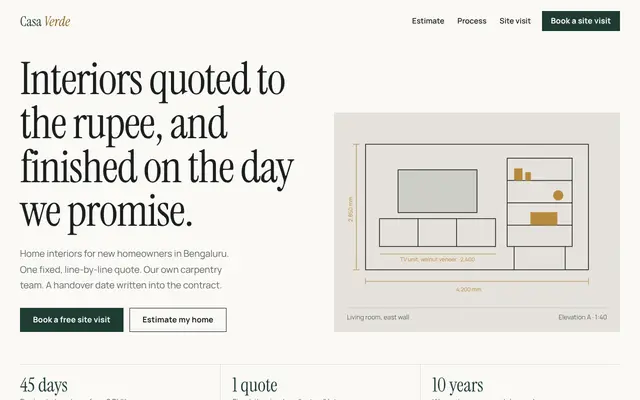 Casa Verde InteriorsInterior design consultations · fictional brandOpen the live sample →
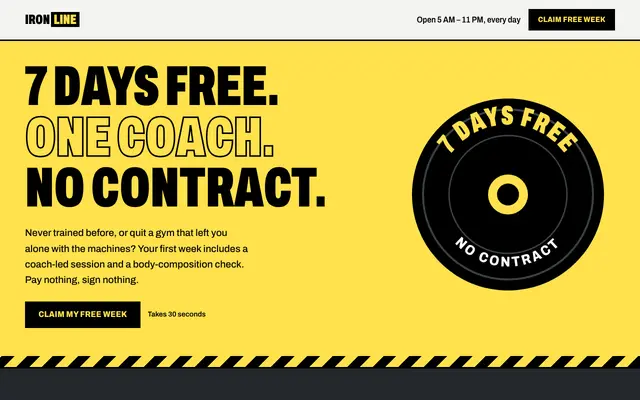 Ironline FitnessGym free-trial bookings · fictional brandOpen the live sample →
Building for a specific market? See landing page design in the United States, landing page design in Canada, landing page design in Australia, with prices in local currency and the local rules.
Frequently asked questions
Do home services landing pages need a phone number?
Yes. For urgent jobs a click-to-call button often brings more bookings than the form. Track calls as conversions.
One page or one per city?
Start with one page per service listing your service area. Create city-specific pages only for cities where you run separate ads and have local proof to show.
Can leads go to my CRM or job software?
Yes. Leads can go to Google Sheets, email or your CRM (for example ServiceTitan, Jobber or HubSpot) with the CRM integration add-on.